
Introduction
What CommitFence is, what it judges and what you need to run it.
On this page
What is CommitFence?#
CommitFence is a code reviewer for C# that runs before a push and refuses it when the code breaks a rule your team wrote. It reads what a push would send, builds the changed projects with your own compiler, and judges the code against the rules in commitfence.json and the rules your .editorconfig already sets. A rule that blocks stops the push, with the file, the line and the reason.
Only what the push touches is judged, so an old breach in code you did not change never stops you.
Two faces#
The command line,
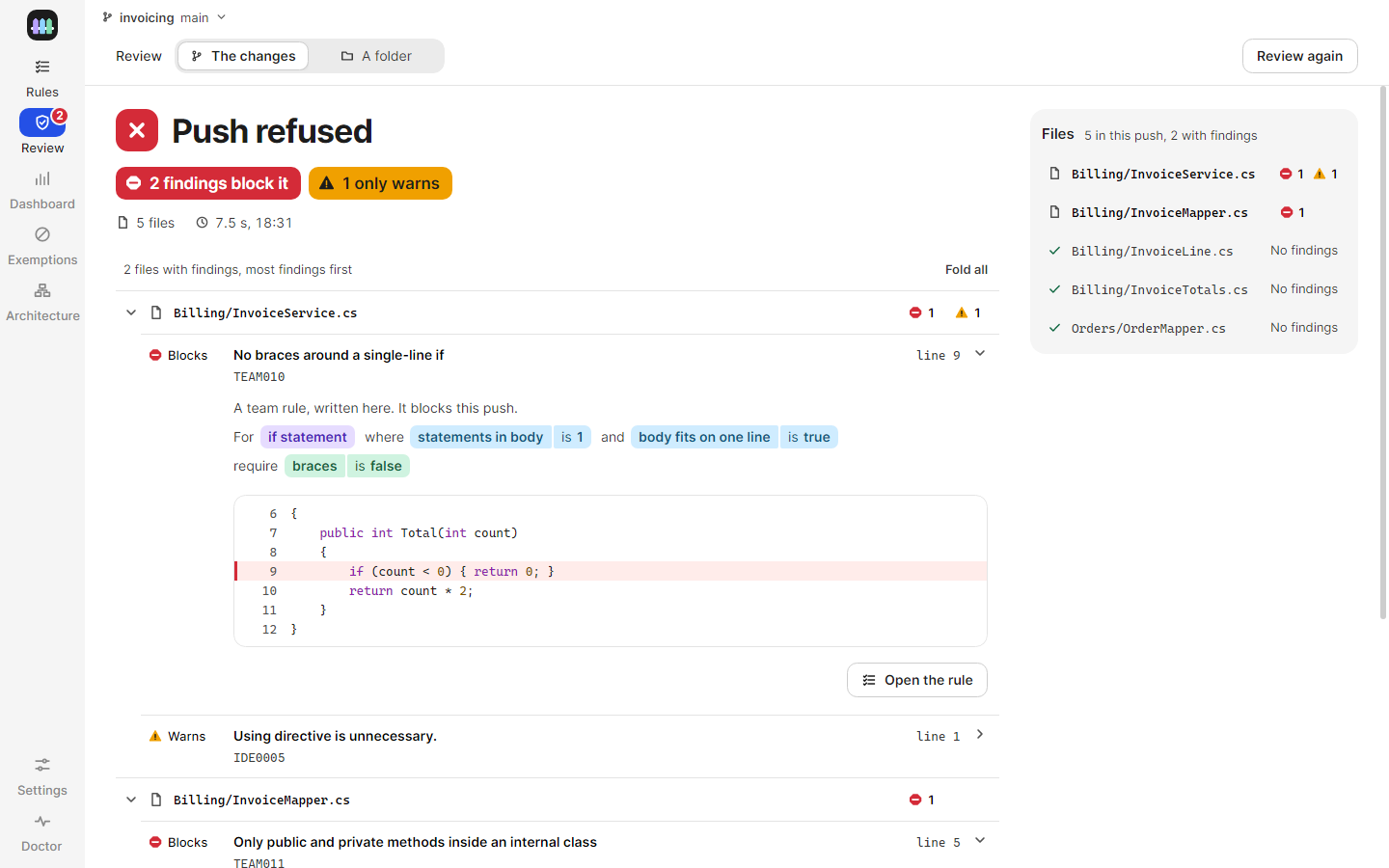
commitfence, is what thepre-pushhook runs. It also writes and tries rules, and reviews a push, staged changes, a range of commits, named files or a whole folder.The app is where you write and try rules and read a review: the Rules screen, with the team's rules and those of
.editorconfigas sentences, and the Review screen, with the verdict and every finding.
What it judges#
A rule says what it is for (an if statement, a method, a class, a use of an API), where it applies, and what the code must or must not be. Writing a rule shows one; the rule catalog lists everything a rule can be about.
Besides the rules of commitfence.json, CommitFence reads the dotnet_diagnostic severities of .editorconfig and shows them as blocking or warning (Rules of .editorconfig), and it can judge structure: which parts of the code may use which (The settings file).
Good to know#
C# only. Other languages are not reviewed.
A review needs the .NET SDK on the machine that pushes, because it builds the changed projects. When the build cannot run, the review says so and the push is not allowed: it never passes a review it could not finish.
The app screens Dashboard, Exemptions, Architecture, Settings and Doctor are shown but not built yet.
The product never writes
.editorconfig.
Something wrong or unclear on this page? Tell us on GitHub